
Zions Business: eDocuments and linked company profiles
Updated · 2 min read
The desktop apps export date, description, and amount as CSV. Open CSV in Excel to save an XLSX workbook. Statement support varies: verify the result against your own PDF.
Download the business account's issued statement
- Sign in to the relevant business profile and open eDocuments from the Accounts landing page.
- Select the account in eStatements/eNotices.
- Use the cloud download icon for the month.
- For an earlier year, change the year menu first, then choose the month.
These are business-browser instructions. Personal Digital Banking and tax-document access should not be inferred from that route. Official guided tour.
Match document access to the company profile
Under the Multi-Party Addendum, eDocuments are available for the main Primary Company profile. Linked profiles require their own sign-in. If the account appears but its statement does not, check which company's session is open before requesting a replacement. Business Digital Banking user guide, Self Service Tools.
| Needed result or situation | Bank route or condition | Decision |
|---|---|---|
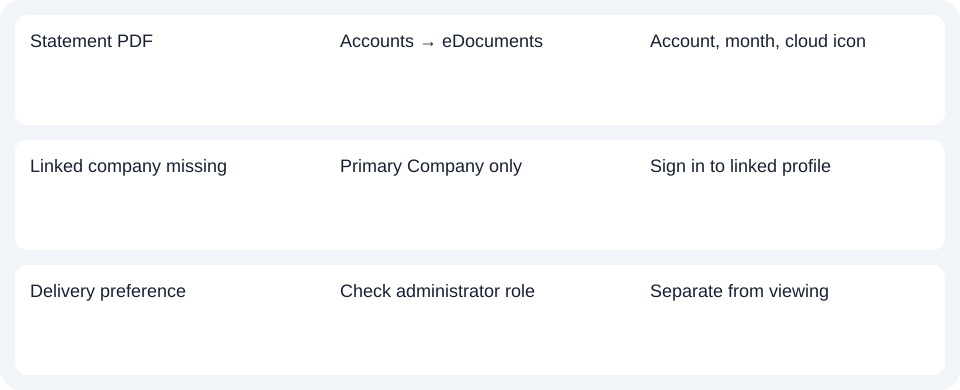
| Statement PDF | Accounts → eDocuments | Account, month, cloud icon |
| Linked company missing | Primary Company only | Sign in to linked profile |
| Delivery preference | Check administrator role | Separate from viewing |
Separate viewing, delivery permissions and tax history
Changing eDocument preferences requires the Customer System Administrator role. Permission to view or download is not permission to alter delivery.
The business guide describes historical statements back to 2016, with three years of eTax documents. Choose the right document category; a statement-year option does not extend the tax archive. Business user guide.
For Zions Business, sign in to the company profile that owns the document, then choose account, year and month in eDocuments.
Use the record planner to record your chosen route and the outstanding document period.
For a PDF (Portable Document Format), the CSV (Comma-Separated Values) guide explains spreadsheet preparation. LocalExtract processes one PDF locally into date,description,amount CSV; Excel saves XLSX (Excel workbook format). Verify the extracted rows. Downloads.
Official sources checked October 14, 2026.
LocalExtract Team
We build LocalExtract, a desktop bank statement converter. Questions or corrections? Contact · Editorial policy