
Alliant: eStatement enrollment, notices and saved copies
Updated · 2 min read
The desktop apps export date, description, and amount as CSV. Open CSV in Excel to save an XLSX workbook. Statement support varies: verify the result against your own PDF.
Check the existing preference before enrolling
Online account applications default to eStatements.
- Sign in to Online Banking.
- Open My Profile & Settings → Statements and select eStatements.
- For new enrollment, review and agree to the disclosure.
- Submit and check the green confirmation.
Switching to paper costs $1 per statement cycle, according to the enrollment FAQ. Confirm the current preference before repeating enrollment or changing delivery.
Save the bank PDF (Portable Document Format) for future reference
Alliant's saving instructions say to save the PDF directly to the computer from online banking. PDF means Portable Document Format. Select the available statement and use the offered saving control; the help page does not specify one universal button label.
| Needed result or situation | Bank route or condition | Decision |
|---|---|---|
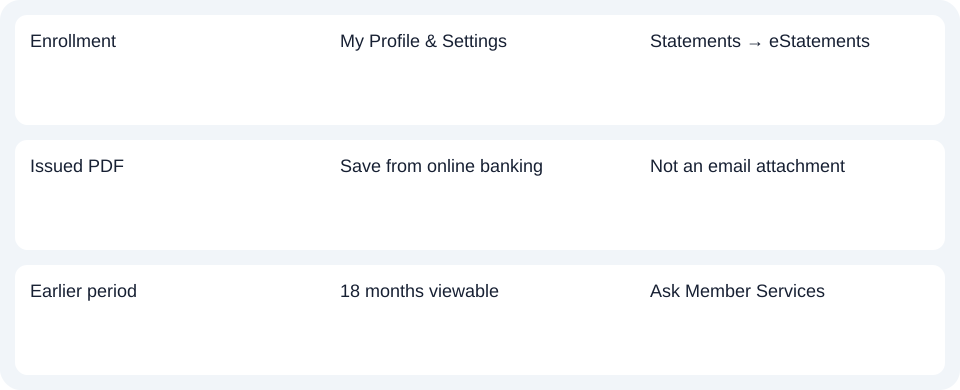
| Enrollment | My Profile & Settings | Statements → eStatements |
| Issued PDF | Save from online banking | Not an email attachment |
| Earlier period | 18 months viewable | Ask Member Services |
Treat email as a notice, not the document
Only the normal online-banking sign-in password is required. Statements are not emailed; email notification is optional. Do not look for a separate attachment password when the statement itself is in online banking. Password help, Statement availability.
The previous 18 months are viewable online. For an earlier unavailable statement, Member Services can help; fees may apply. Confirm the exact period and copy options rather than assuming a longer self-service archive. Older-copy help.
For Alliant, save the available statement inside the 18-month window and use Member Services for an earlier period; email is only a notice.
Use the record planner to record your chosen route and the outstanding document period.
For spreadsheet use, follow the CSV (Comma-Separated Values) guide. LocalExtract processes one PDF locally to date,description,amount CSV; Excel saves XLSX (Excel workbook format). Verify extracted rows. Downloads.
Official sources checked October 14, 2026.
LocalExtract Team
We build LocalExtract, a desktop bank statement converter. Questions or corrections? Contact · Editorial policy