
Private
Document processing runs on your computer. No PDF uploads.
Practical
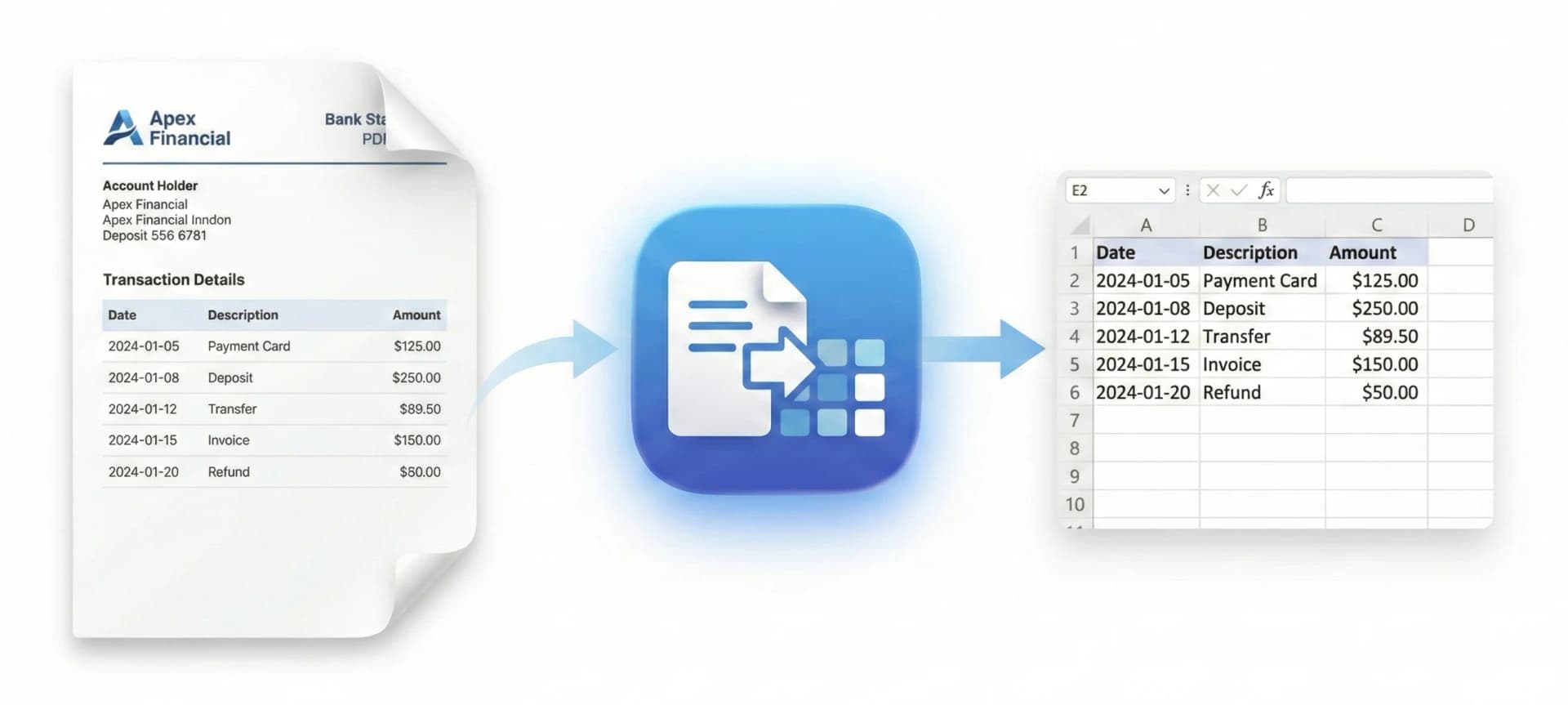
Review the extracted transactions before exporting CSV.
Check your results
Compatibility depends on the statement layout and scan quality.
Start free. Upgrade when you need more.
The free tier includes 10 pages lifetime without an account. Pro offers unlimited pages for $10/month or $60/year and up to two devices.
- No account needed to try it
- Upgrade from the app when needed
- Cancel anytime
Made for real bookkeeping work.
Frequently asked questions
Is it really on-device?
Yes. PDF parsing and OCR run on your computer. Sign-in, subscription management and downloading updates use an internet connection.
Do I need an account?
You can try the free tier without an account. A Pro subscription requires sign-in to manage access across devices.
Which banks are supported?
Statement layouts vary by bank, account and country. Test your own PDF and verify the dates, descriptions and amounts before relying on the result.
Does it work with scanned statements?
The app uses on-device OCR for scans. Results depend on image quality; text-based PDFs are generally easier to extract.
Does the app export XLSX?
The desktop apps export CSV with date, description and amount. Import CSV into Excel and save an XLSX workbook there.
Guides & resources
Learn how to convert statements, compare tools and protect client documents.
Convert your first statement.
Process locally. Check the result. Export CSV.
View download options