
Valley: paperless consent, history and missing savings months
Updated · 2 min read
The desktop apps export date, description, and amount as CSV. Open CSV in Excel to save an XLSX workbook. Statement support varies: verify the result against your own PDF.
Complete the statement-specific consent
Sign in to Personal Online Banking, choose Paperless Statement and review the separate disclosure. Mobile offers Statement. Paperless records begin with the next statement, rather than an immediate new record for any selected period. Agreement, section M.
Check archive access separately
The agreement describes two years of electronic retention. For an older copy, a branch or Customer Service determines availability; that contact is not a guarantee that every older document can be supplied.
| Needed result or situation | Bank route or condition | Decision |
|---|---|---|
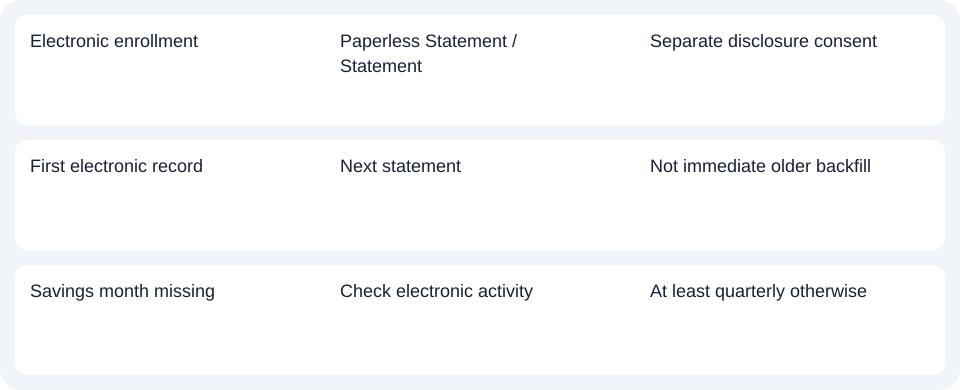
| Electronic enrollment | Paperless Statement / Statement | Separate disclosure consent |
| First electronic record | Next statement | Not immediate older backfill |
| Savings month missing | Check electronic activity | At least quarterly otherwise |
Diagnose an absent savings month
Statement savings accounts receive monthly records when there is electronic activity and at least quarterly regardless. An inactive month therefore need not create a separate file. Match the product's statement schedule before diagnosing a document error. Agreement, periodic statements.
Financial-software export is described for online banking, not mobile/text, without a specified file extension. This does not establish a mobile CSV (Comma-Separated Values) function. The agreement belongs to Valley National Bank, rather than similarly named banks or credit unions.
For Valley personal statements, confirm the separate consent and statement schedule before looking for a monthly savings file.
Use the record planner to record your chosen route and the outstanding document period.
For an obtained PDF (Portable Document Format), use the CSV guide. LocalExtract handles one PDF locally to date,description,amount CSV; Excel saves XLSX (Excel workbook format). Verify the rows. Downloads.
Official source checked October 14, 2026.
LocalExtract Team
We build LocalExtract, a desktop bank statement converter. Questions or corrections? Contact · Editorial policy