
Up Bank: monthly statements or an Insights CSV?
Updated · 2 min read
The desktop apps export date, description, and amount as CSV. Open CSV in Excel to save an XLSX workbook. Statement support varies: verify the result against your own PDF.
Find the issued record first
The support FAQ puts current and previous monthly statements, plus proof of balance, in Up → Statements. Statements are paperless. The interest-summary statement appears on 5 July for the new financial year; it is a separate annual record, rather than a replacement for each month's statement.
Select the Insights period before exporting
The published CSV guide describes Activity feed → Insights, above the monthly header. Use Switch to check the period, scroll down and choose Export transactions.
Up's custom Insights explanation covers payday, week, year, financial-year and custom periods. Tags and exports follow that selected timeframe. Set the intended period before exporting; a monthly statement remains the document issued for its own period.
| Needed result or situation | Bank route or condition | Decision |
|---|---|---|
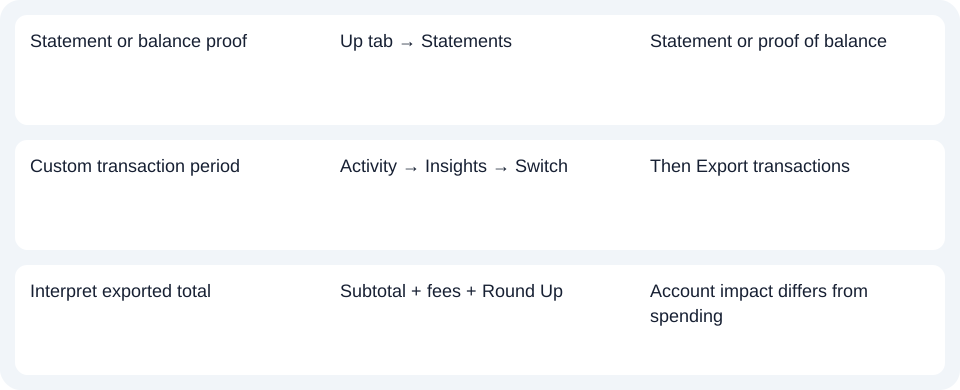
| Statement or balance proof | Up tab → Statements | Statement or proof of balance |
| Custom transaction period | Activity → Insights → Switch | Then Export transactions |
| Interpret exported total | Subtotal + fees + Round Up | Account impact differs from spending |
Read Round Ups separately from merchant spending
Up's published CSV explanation distinguishes the transaction-currency subtotal, AUD fee, Round Up and Total. The total reflects the account movement, including a savings Round Up, rather than just the merchant subtotal. Treating it as merchant-only spending can therefore mix a purchase with movement into savings. Documented export fields.
The CSV article is an older published product guide, not a test of a current customer file. Check the actual column headings before building formulas around it. CSV means comma-separated values; the bank's native export may already meet your analysis need.
For Up, use Statements for the monthly document and Insights for a custom-period export; compare account-impact totals with the field definitions.
Use the record planner to record your chosen route and the outstanding document period.
For analysis of an obtained PDF (Portable Document Format), use the CSV guide. LocalExtract processes one PDF locally to date,description,amount CSV; XLSX (Excel workbook format) is saved through Excel. Verify rows against the original. Downloads.
Official sources checked October 14, 2026.
LocalExtract Team
We build LocalExtract, a desktop bank statement converter. Questions or corrections? Contact · Editorial policy