
St.George, BankSA and Bank of Melbourne: one statement guide
Updated · 2 min read
The desktop apps export date, description, and amount as CSV. Open CSV in Excel to save an XLSX workbook. Statement support varies: verify the result against your own PDF.
Open the issued record through your own bank
Sign in to your bank's app, select the account and tap Statements. On the web, select the account and View eStatements, then view, save or print the required record. The banks offer up to seven years of statement history through these channels. St.George viewing instructions.
The menu is distinct from Westpac's published Overview route. Being in the same group is not a reason to import Westpac's native transaction formats or closed-account conditions into these three banks.
Change delivery only when that is the task
In the app, open Services → Manage eStatements, choose the envelope and agree to the change. On the web, use Manage my accounts → Manage eStatements. This sets delivery, rather than retrieving an older file. BankSA setup instructions.
For a joint account, every holder must opt in and remain opted in. Otherwise paper continues. One holder's successful setting is therefore insufficient evidence that the account has completely switched.
| Needed result or situation | Bank route or condition | Decision |
|---|---|---|
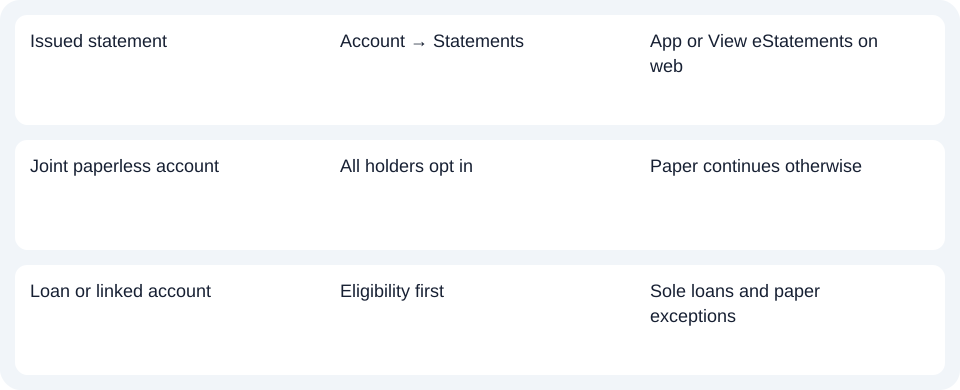
| Issued statement | Account → Statements | App or View eStatements on web |
| Joint paperless account | All holders opt in | Paper continues otherwise |
| Loan or linked account | Eligibility first | Sole loans and paper exceptions |
Check the account's eligibility
The pages list sole/joint transaction, savings and credit-card accounts, while home and personal loans are eligible only in sole ownership. An offset mortgage linkage or permanent overdraft may also retain paper delivery. Check the applicable product before repeating a setting that is not available for it. Bank of Melbourne eligibility and exceptions.
For these three brands, use the account statement entry point and confirm all joint owners have opted in before changing delivery.
Use the record planner to record your chosen route and the outstanding document period.
For analysis of a downloaded PDF (Portable Document Format), use the CSV (Comma-Separated Values) guide. LocalExtract handles one PDF locally and exports date,description,amount CSV; Excel can save XLSX (Excel workbook format). Check the rows. Download options.
Official sources checked October 14, 2026.
LocalExtract Team
We build LocalExtract, a desktop bank statement converter. Questions or corrections? Contact · Editorial policy