
RHB Singapore: request a monthly statement in the app
Updated · 2 min read
The desktop apps export date, description, and amount as CSV. Open CSV in Excel to save an XLSX workbook. Statement support varies: verify the result against your own PDF.
Retrieve the monthly record in the Singapore app
An e-statement is the electronically delivered account statement. The Singapore FAQ provides this sequence:
- Sign in to RHB Mobile SG and select the quick menu at the top left.
- Open E-Statement, then Request E-Statement.
- Select Month, then Account.
- Choose Submit. When the item appears in the retrieved list, choose View.
Check that the opened item belongs to the month and account requested. The instruction ends at viewing the record; it does not identify a PDF format or a final device-save button. An issued monthly statement and a screen showing recent activity are different results. Official Singapore retrieval instructions.
Check enrollment and the six-month boundary
RHB says statement enrollment is automatic once the account is opened. A missing month is therefore not a reason to invent a separate opt-in sequence. The same FAQ specifies six months for current or savings account e-statements; it does not give every other RHB product the same window. A period outside that window calls for checking with RHB rather than repeatedly changing the account selection. Enrollment and history rules.
| Needed result | Bank route | Decision |
|---|---|---|
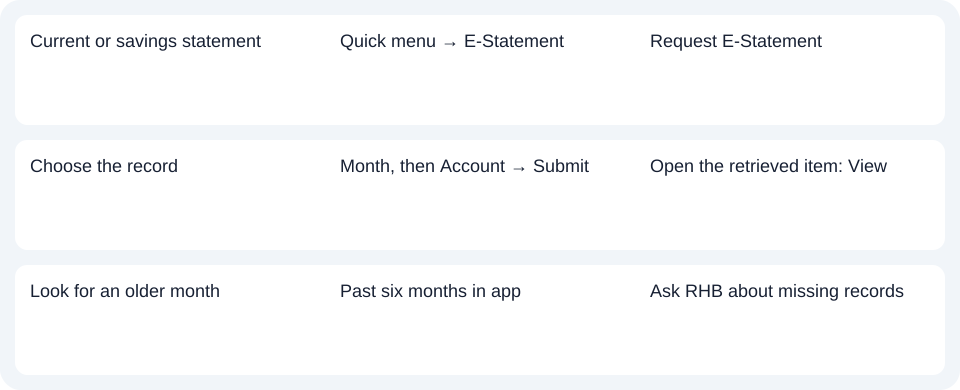
| Current or savings statement | Quick menu → E-Statement | Request E-Statement |
| Choose the record | Month, then Account → Submit | Open the retrieved item: View |
| Look for an older month | Past six months in app | Ask RHB about missing records |
Use the local service instead of a foreign-country menu
The Singapore FAQ describes personal mobile banking and says there are currently no plans for browser-based personal Internet Banking. Its account statements are therefore an app task. RHB Malaysia instructions, or corporate banking controls, do not establish an alternative Singapore personal route. Start from RHB Singapore's personal banking FAQ when checking the supported local service.
Use Request E-Statement for an available Singapore month, then verify the retrieved item. Use the record planner to record your chosen route and the outstanding document period. If a PDF (Portable Document Format) is subsequently available, the shared CSV guide explains preparation for a spreadsheet. LocalExtract converts one PDF locally at a time to date,description,amount CSV (Comma-Separated Values); Excel can save an XLSX workbook. Review the extracted rows. Download options.
Official sources checked October 14, 2026.
LocalExtract Team
We build LocalExtract, a desktop bank statement converter. Questions or corrections? Contact · Editorial policy