
PenFed: view statements and check paper-delivery fees
Updated · 2 min read
The desktop apps export date, description, and amount as CSV. Open CSV in Excel to save an XLSX workbook. Statement support varies: verify the result against your own PDF.
View the account's statement in the current browser service
Use account → More → View Statement on the desktop or mobile website. This route establishes statement viewing; it does not establish a particular PDF save button or native-app menu. Online Experience.
Identify the delivery category
PenFed's general FAQ distinguishes Consolidated Account Statements, Credit Card Bills/Statements and IRS Tax Statements. A setting for one category does not prove all categories are electronic. Its older Go Paperless preference instructions serve a different purpose from the current statement-view route.
| Needed result or situation | Bank route or condition | Decision |
|---|---|---|
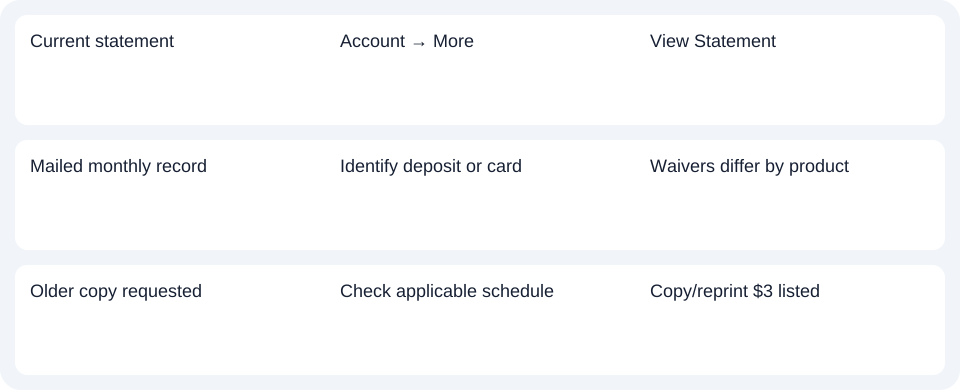
| Current statement | Account → More | View Statement |
| Mailed monthly record | Identify deposit or card | Waivers differ by product |
| Older copy requested | Check applicable schedule | Copy/reprint $3 listed |
Check the right fee and waiver
The current fee schedule lists:
| Record or service | Listed charge and condition |
|---|---|
| Mailed consolidated statement | $2; waived for electronic delivery or qualifying checking with $500 monthly direct deposit or $500 minimum daily balance |
| Mailed credit-card statement | $2; electronic-delivery waiver |
| Statement copy | $3 |
| Mailed credit-card statement reprint | $3 each |
Do not extend the checking-account qualification to the mailed card fee. A copy or reprint charge also does not mean every online statement view costs $3. Check the requested record and applicable account schedule before ordering.
For PenFed, view the relevant account statement first, then apply the deposit or card fee rule to the specific delivery or copy request.
Use the record planner to record your chosen route and the outstanding document period.
If you obtain a PDF (Portable Document Format), use the CSV (Comma-Separated Values) guide. LocalExtract handles one PDF locally into date,description,amount CSV; Excel saves XLSX (Excel workbook format). Verify the results. Downloads.
Official sources checked October 14, 2026.
LocalExtract Team
We build LocalExtract, a desktop bank statement converter. Questions or corrections? Contact · Editorial policy