
MyState Bank: filter statement PDFs and check the issue cycle
Updated · 2 min read
The desktop apps export date, description, and amount as CSV. Open CSV in Excel to save an XLSX workbook. Statement support varies: verify the result against your own PDF.
Search the issued statement list
- Sign in to the app and choose More → Statements, or use Manage → Statements on the website.
- In the app choose the filter icon; on the website choose Filter.
- Search the required start and end dates.
- Use the statement's print or download option. MyState identifies the download as PDF, meaning Portable Document Format.
Check the actual period on the opened record. Search dates and the issue period need not be identical: a list filter finds existing documents. The help article supplies this workflow, without promising a maximum number of historical years. Channel-specific filter and download steps.
Check the cycle before searching for a missing month
MyState's deposit terms describe statements at least six-monthly, unless a more frequent issue is requested; overdraft statements are monthly. An absent monthly deposit document may therefore reflect the account's agreed cycle, rather than a filter or PDF fault. Check the product and statement arrangement before assuming every month should have its own issued record.
| Needed result | Bank route | Decision |
|---|---|---|
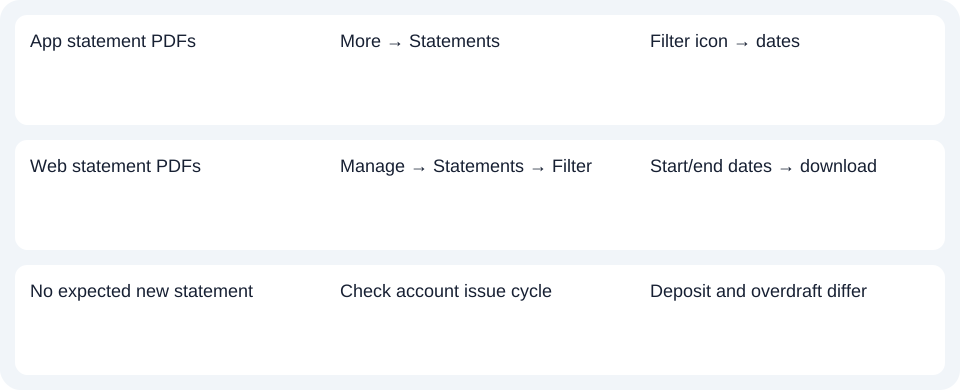
| App statement PDFs | More → Statements | Filter icon → dates |
| Web statement PDFs | Manage → Statements → Filter | Start/end dates → download |
| No expected new statement | Check account issue cycle | Deposit and overdraft differ |
Change delivery preferences only when that is the goal
The online guide describes a reversible delivery setting. In the app's Statements settings, right/green opts in to online statements and left/grey opts out to paper; the website uses Manage statements. This setting chooses delivery. It is not an on-demand statement generator or a way to expand the archive. Online and paper preferences.
Use MyState's online banking support if your account does not show the relevant feature, rather than applying another bank's statement menu.
For MyState, filter the issued list and check the account cycle before changing delivery. Use the record planner to record your chosen route and the outstanding document period. The CSV preparation guide covers analysis afterward. LocalExtract converts one PDF locally to date,description,amount CSV (Comma-Separated Values); Excel saves XLSX. Verify the result. Download options.
Official sources checked October 14, 2026.
LocalExtract Team
We build LocalExtract, a desktop bank statement converter. Questions or corrections? Contact · Editorial policy