
Comerica: activate paperless statements after the PDF check
Updated · 2 min read
The desktop apps export date, description, and amount as CSV. Open CSV in Excel to save an XLSX workbook. Statement support varies: verify the result against your own PDF.
Complete the published activation sequence
- Sign in to Comerica Web Banking.
- Open Accounts → eStatements.
- Select Stop paper statements.
- Confirm Yes that you can view the sample statement.
- Review and accept the eStatement terms and E-SIGN electronic-consent disclosure when appropriate.
The official instructions use the sample to establish that you can read the electronic document before changing delivery. If it does not display, resolve readability before confirming the check.
Search issued records by date
Comerica advertises 24 months of history in the central eStatement area, searchable by date, with PDF viewing, downloading and printing. PDF means Portable Document Format. This access is distinct from stopping future paper statements; the history description does not establish older-copy availability.
| Needed result or situation | Bank route or condition | Decision |
|---|---|---|
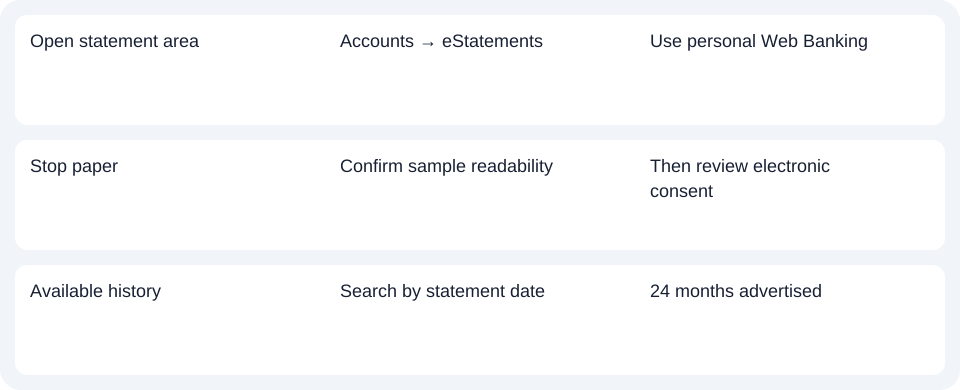
| Open statement area | Accounts → eStatements | Use personal Web Banking |
| Stop paper | Confirm sample readability | Then review electronic consent |
| Available history | Search by statement date | 24 months advertised |
Keep enrollment and retrieval questions separate
For an already available statement, use the date search and the bank's offered document controls. For paper suppression, return to the activation sequence. This guide documents activation and history, rather than an unverified final save button on every device. Access and paperless options.
For Comerica, complete the sample-readability confirmation before stopping paper, then use the date search for an available statement.
Use the record planner to record your chosen route and the outstanding document period.
The CSV (Comma-Separated Values) guide covers analysis of an obtained PDF. LocalExtract handles one PDF locally to date,description,amount CSV; XLSX (Excel workbook format) is saved in Excel. Verify the output. Downloads.
Official source checked October 14, 2026.
LocalExtract Team
We build LocalExtract, a desktop bank statement converter. Questions or corrections? Contact · Editorial policy