
Cathay personal e-statements: filters and PDF verification
Updated · 2 min read
The desktop apps export date, description, and amount as CSV. Open CSV in Excel to save an XLSX workbook. Statement support varies: verify the result against your own PDF.
Filter the personal documents
- Open Services → View Statements & Documents.
- Select the account and document type.
- Choose an offered date range and View documents for accounts.
- If asked to opt in, use Visit Statement Preferences.
View, save or print using the controls available on your device. Cathay notes that saving and printing depend on device settings. Viewing e-statements.
Complete the PDF-readability check
PDF means Portable Document Format. Choose Get Code, read the code in the opened PDF and enter it exactly in Verification Code. Select Verify, then Close to return. This challenge uses the PDF's displayed code, rather than an SMS code.
If the PDF does not open, choose I can't see a PDF and check PDF software and bank-site pop-ups or new tabs before trying again. Verification help.
| Needed result or situation | Bank route or condition | Decision |
|---|---|---|
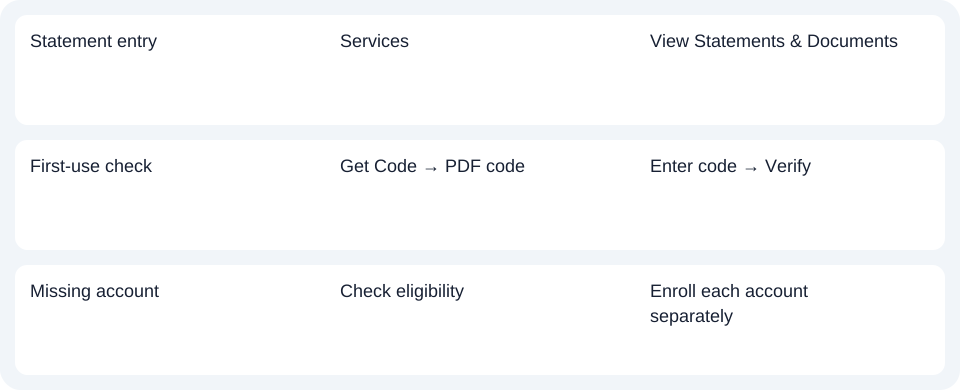
| Statement entry | Services | View Statements & Documents |
| First-use check | Get Code → PDF code | Enter code → Verify |
| Missing account | Check eligibility | Enroll each account separately |
Check the account's individual enrollment
The personal agreement lists checking, savings, money-market and consumer HELOC/mortgage statements. Each account enrolls individually. Enrolling one does not enroll every account.
Cathay's account FAQ says some account types do not support e-statements. A missing account can therefore be an eligibility issue rather than a date-filter failure. The personal Services route should not be replaced by a business Reports menu.
For Cathay personal statements, complete the PDF-code check if prompted, then filter the individually enrolled account’s documents.
Use the record planner to record your chosen route and the outstanding document period.
The CSV (Comma-Separated Values) guide covers an obtained statement. LocalExtract processes one PDF locally into date,description,amount CSV; XLSX (Excel workbook format) is saved in Excel. Verify extracted rows. Downloads.
Official sources checked October 14, 2026.
LocalExtract Team
We build LocalExtract, a desktop bank statement converter. Questions or corrections? Contact · Editorial policy