
BOQ statements: classic banking or the myBOQ app?
Updated · 2 min read
The desktop apps export date, description, and amount as CSV. Open CSV in Excel to save an XLSX workbook. Statement support varies: verify the result against your own PDF.
Retrieve a classic BOQ statement
The classic instructions describe:
- Sign in and select eStatement, then the account.
- Use More or the date range and Search.
- Select the statement description and Download.
Eligible linked statements have a maximum seven-year archive. Cards have a separate Q Rewards/Other Cards Functions route; a delegated user needs transaction-history access. For joint accounts, every holder must choose paperless delivery. These conditions should be checked before interpreting a missing document as a file-save error.
Use myBOQ for its own accounts
In myBOQ, choose Profile → Statements & docs → account, then a previous statement. Request interim statement → Confirm produces a record from the last statement date to the request date. It is not an arbitrary period editor. myBOQ supplies no paper statements, and classic Day2Day/Fast Track products are not available in this app. myBOQ documents and product boundaries.
| Needed result or situation | Bank route or condition | Decision |
|---|---|---|
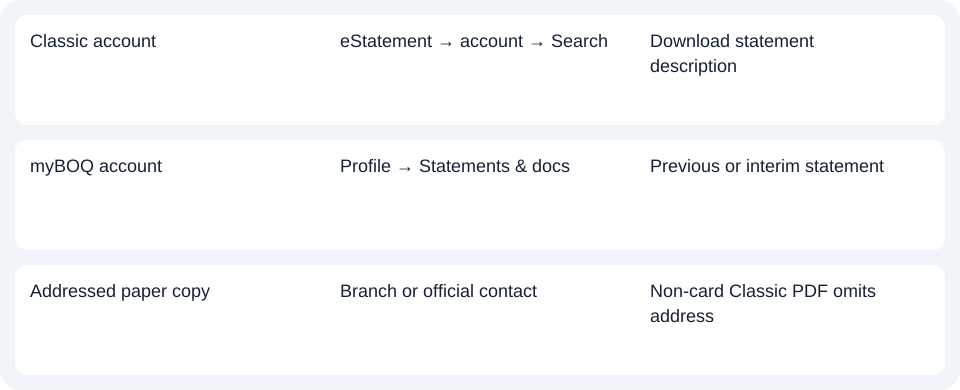
| Classic account | eStatement → account → Search | Download statement description |
| myBOQ account | Profile → Statements & docs | Previous or interim statement |
| Addressed paper copy | Branch or official contact | Non-card Classic PDF (Portable Document Format) omits address |
Check whether the recipient needs an address
Classic electronic statements remove postal addresses, with card statements excepted. If an addressed paper copy is required, use a branch or BOQ's official contact route. Downloading the same electronic record again does not change its address treatment. Classic eStatement conditions.
For BOQ, identify classic banking or myBOQ first; use the matching statement route and request an interim myBOQ record only when needed.
Use the record planner to record your chosen route and the outstanding document period.
For an available PDF (Portable Document Format), see the CSV (Comma-Separated Values) guide. LocalExtract processes one PDF locally to date,description,amount CSV; XLSX (Excel workbook format) is saved in Excel. Verify the extraction. Downloads.
Official sources checked October 14, 2026.
LocalExtract Team
We build LocalExtract, a desktop bank statement converter. Questions or corrections? Contact · Editorial policy