
Bankwest home loans: save statements through app or web
Updated · 2 min read
The desktop apps export date, description, and amount as CSV. Open CSV in Excel to save an XLSX workbook. Statement support varies: verify the result against your own PDF.
Open the home-loan statement
In the app, select the property, its home loan and Statements, then the required record. In online banking, open Accounts → Statements, select the home loan and the statement. The browser downloads the record as PDF, meaning Portable Document Format. Official home-loan instructions.
Use the save control for your device
On iOS, use Share; on Android, use More options to send, download or print. These are alternatives for the same opened statement, rather than a new statement request. If a phone path is unsuitable, the documented browser route provides a PDF download.
| Needed result or situation | Bank route or condition | Decision |
|---|---|---|
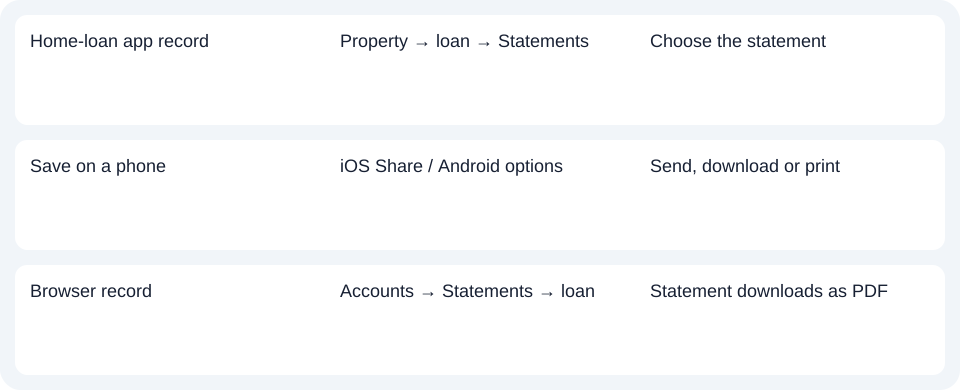
| Home-loan app record | Property → loan → Statements | Choose the statement |
| Save on a phone | iOS Share / Android options | Send, download or print |
| Browser record | Accounts → Statements → loan | Statement downloads as PDF |
Check delivery setup before diagnosing a missing menu
Bankwest requires eStatements. Customers still using paper can change their statement preferences before following this electronic route. Confirm that setup first, then identify the missing statement period. Repeating a save operation cannot enroll an account for electronic delivery. Statement preferences.
For a Bankwest home loan, enable eStatements and open the loan’s Statements area; use the iOS or Android save control for that file.
Use the record planner to record your chosen route and the outstanding document period.
This home-loan guide does not establish current business banking or every Bankwest deposit-account route. For spreadsheet work on an obtained PDF, use the CSV (Comma-Separated Values) guide. LocalExtract processes one PDF locally to date,description,amount CSV; XLSX (Excel workbook format) is saved in Excel. Check the rows. Downloads.
Official source checked October 14, 2026.
LocalExtract Team
We build LocalExtract, a desktop bank statement converter. Questions or corrections? Contact · Editorial policy