
Excel links the wrong bank workbook: check source identity
Updated · 3 min read
An Excel workbook can link to the wrong account’s file and still display the expected total. Check the linked source’s account and period, not only cached values. A reachable filename is not proof that its financial contents are the intended evidence.
The desktop apps export date, description, and amount as CSV. Open CSV in Excel to save an XLSX workbook. Statement support varies: verify the result against your own PDF.
Inspect before refreshing or breaking links
This guide is for bookkeepers reviewing a bank-analysis workbook that refers to another workbook. The receiving workbook contains the reference; the source workbook supplies the referenced data. A relationship target is the stored destination of an external reference, while a displayed or cached total is a value already available in the receiving workbook. Those are different kinds of evidence.
- On a working copy, open Data → Queries and Connections → Workbook Links and retain the source path and target.
- Inspect the referenced workbook’s actual account, currency, statement period and source version. Preserve formulas and displayed values separately from that source evidence.
- After confirming the intended source, use the documented Change Source or refresh controls and recheck affected formulas and results.
- Review relevant names, objects and chart elements when the panel does not explain all external references. Do not enable unfamiliar connections or globally trust content to remove a warning.
Microsoft’s workbook-link guide documents source management and the limits of finding links. For desktop Excel, Microsoft warns that Break links replaces formulas with their calculated values and cannot be undone. The same guide says the Web app can undo that action. Save an appropriate copy before changing links, and check the platform-specific instructions; hiding a warning is not a provenance repair.
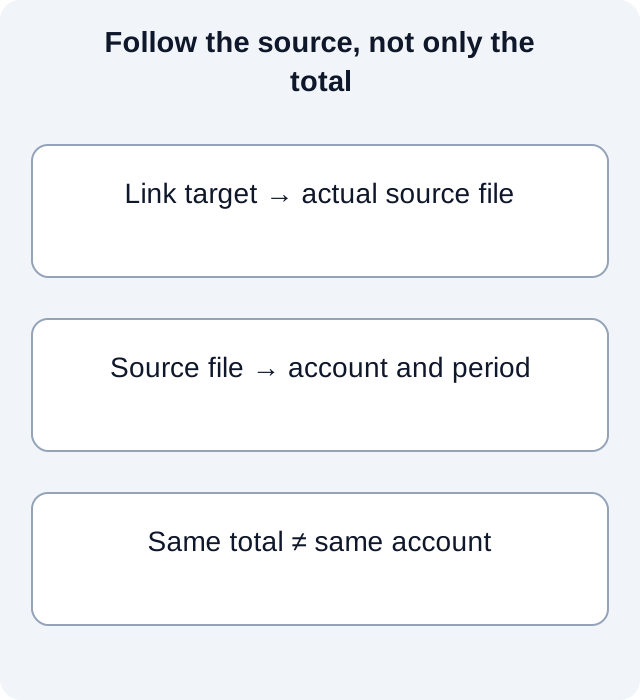
Inspect a real relationship target, not a preset label
For a bounded demonstration, we constructed small OOXML workbook packages using ZIP and XML. Two source packages have the same basename and the same total, but their account cells differ. A review package points to source B; a separate corrected package points to source A. A local script reads the external-link relationship and then the referenced source’s account and period cells.
| Package inspected | Relationship target | Source account | Period | Total | Matches intended source A? |
|---|---|---|---|---|---|
| Wrong-target package | source-b/statement.xlsx | ACCOUNT-B | 2026-09 | 100 | No |
| Corrected-target package | source-a/statement.xlsx | ACCOUNT-A | 2026-09 | 100 | Yes |
The observed ZIP/XML results come from reading those constructed packages, rather than evaluating a manually supplied “correct” flag. Equal totals accept both sources, while the account-period comparison rejects the wrong target. The target path is a lead to inspect; it becomes useful evidence only alongside the source contents.
This demonstration validates XML well-formedness and reads our own package relationships. It does not certify Excel conformance, open the files in Excel, refresh formulas or reproduce Excel’s cache behavior. The experiment record binds the constructed inputs and output. In a real workbook, use Microsoft’s supported link controls instead of editing ZIP parts to force a correction.
Resolve different wrong-source outcomes differently
If the target opens but names another account, stop the refresh and establish the intended original before using Change Source. If the account matches but the statement period is wrong, locate the correct period rather than changing a balance to make it agree. If the target is unavailable, retain that uncertainty: the receiving workbook’s displayed value cannot supply the missing source identity.
After an authorized correction on a copy, review affected formulas and the resulting figures against the intended source. A path that now looks right is insufficient if the source itself is an old revision. Preserve the original link target with the review record so the correction remains distinguishable from the prior wrong-source result.
For a PDF-only bank source, download LocalExtract. It processes one PDF locally to date,description,amount CSV; it does not access platform accounts or synchronize accounting records.
Official sources and scope
Documentation checked October 17, 2026. Official reference 1 — excel-links
LocalExtract Team
We build LocalExtract, a desktop bank statement converter. Questions or corrections? Contact · Editorial policy