
Truist statement history: Documents, combined accounts and software records
Updated · 2 min read
Corrected October 12, 2026: bank record choices and limits.
The desktop apps export date, description, and amount as CSV. Open CSV in Excel to save an XLSX workbook. Statement support varies: verify the result against your own PDF.
Documents and product history
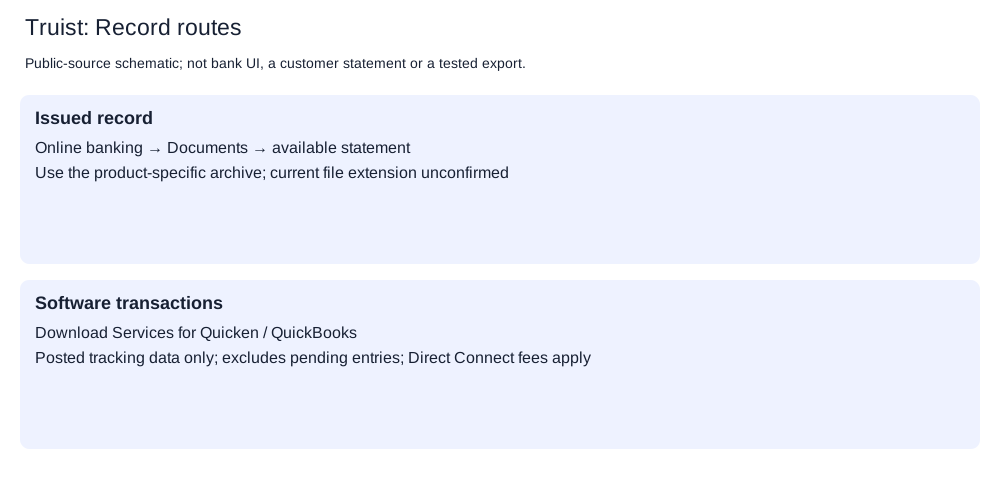
- Open Documents in online banking.
- Locate the available statement for the required product and period.
- View, print or download that issued record.
Truist's setup guidance gives these maximum histories:
| Product | Available history |
|---|---|
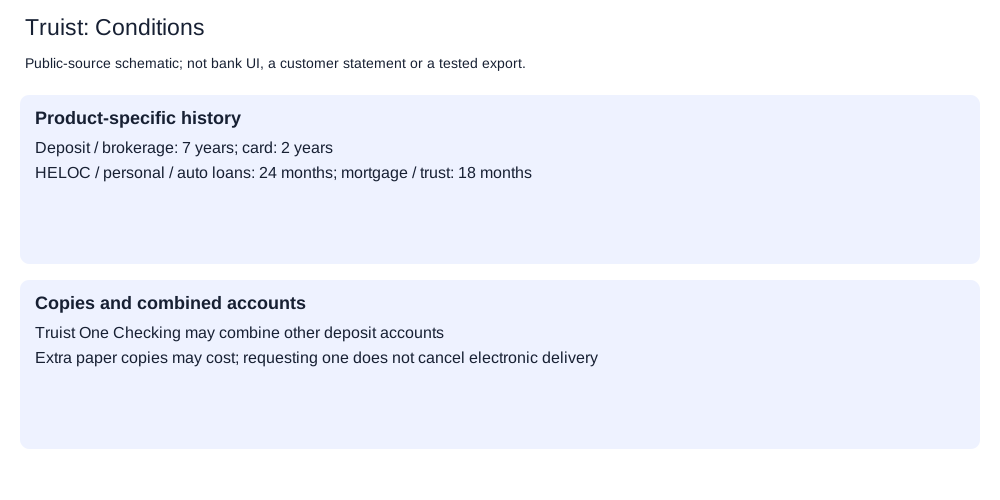
| Deposit or brokerage | Seven years |
| Credit card | Two years |
| Home-equity line of credit (HELOC), personal or auto loan | Twenty-four months |
| Mortgage or trust | Eighteen months |
Electronic-delivery enrollment covers eligible accounts with recurring statements in the online portfolio and requires email validation. Available current and historical statements can be viewed, printed or downloaded: April 8, 2026 service agreement, page 41. Enrollment does not extend those product-specific archives.
Combined statements and paper copies
Truist One Checking may combine its monthly statement with other deposit accounts. Under the service agreement, selecting electronic delivery for that combined statement covers every account on it. Check that combined record before searching for a separately issued deposit statement.
One Checking has no monthly paper or electronic statement charge. Extra paper copies follow a different rule: agreement page 42 directs previously delivered statement requests to 844-4TRUIST, with charges under the current fee schedule. Requesting a copy leaves electronic delivery in place.
Issued records or software transactions
| Need | Truist route and consequence |
|---|---|
| Issued statement for a deposit account | Documents; check whether One Checking already includes that account in a combined statement |
| Missing pending entry in software | Download Services excludes pending transactions; its tracking data needs updating |
| Quicken or QuickBooks transactions | Agreement page 39 describes Download Services; Direct Connect incurs personal-fee-schedule charges |
| Paper copy of a previously delivered record | 844-4TRUIST; copy fees are separate from One Checking's monthly statement charge |
The available-file save controls, file extension, browser CSV (comma-separated values) format and closed-account access remain unconfirmed. A software transaction download does not establish those statement capabilities.
Planner and analysis
Record-request planner. CSV formatting and checks.
LocalExtract processes one PDF (Portable Document Format) locally to date,description,amount CSV; Excel can save that CSV as an XLSX workbook. Downloads and limits.
Official sources checked October 12, 2026.
LocalExtract Team
We build LocalExtract, a desktop bank statement converter. Questions or corrections? Contact · Editorial policy